
We independently research and curate every pick. When you buy through our links, we may earn a commission. Learn more

GetSharpFindsGetSharpFinds
Adapter vs AI Box vs New Stereo: How to Add CarPlay to Your Car

Adapter vs AI Box vs New Stereo: How to Add CarPlay to Your Car

By The GetSharpFinds Team

Last updated September 11, 2026

There is no single way to “add CarPlay” — there are three, and the right one depends entirely on what your dashboard already supports. If your car has factory wired CarPlay, you only need to make it wireless. If it has a usable factory screen but no CarPlay, an AI box can layer it on. And if the stereo is old or basic, a vehicle-specific replacement unit is the real fix. This guide walks through all three paths so you buy once, not twice.

We may earn an affiliate commission from links on this page — this never affects our picks. Read our full affiliate disclosure.

How we picked

We mapped each path to the starting point it assumes — factory wired CarPlay, an OEM screen without CarPlay, or an outdated head unit — and picked a representative Binize product for each so you can see the price and effort involved before committing.

Our picks

Binize Wireless CarPlay Adapter Pro
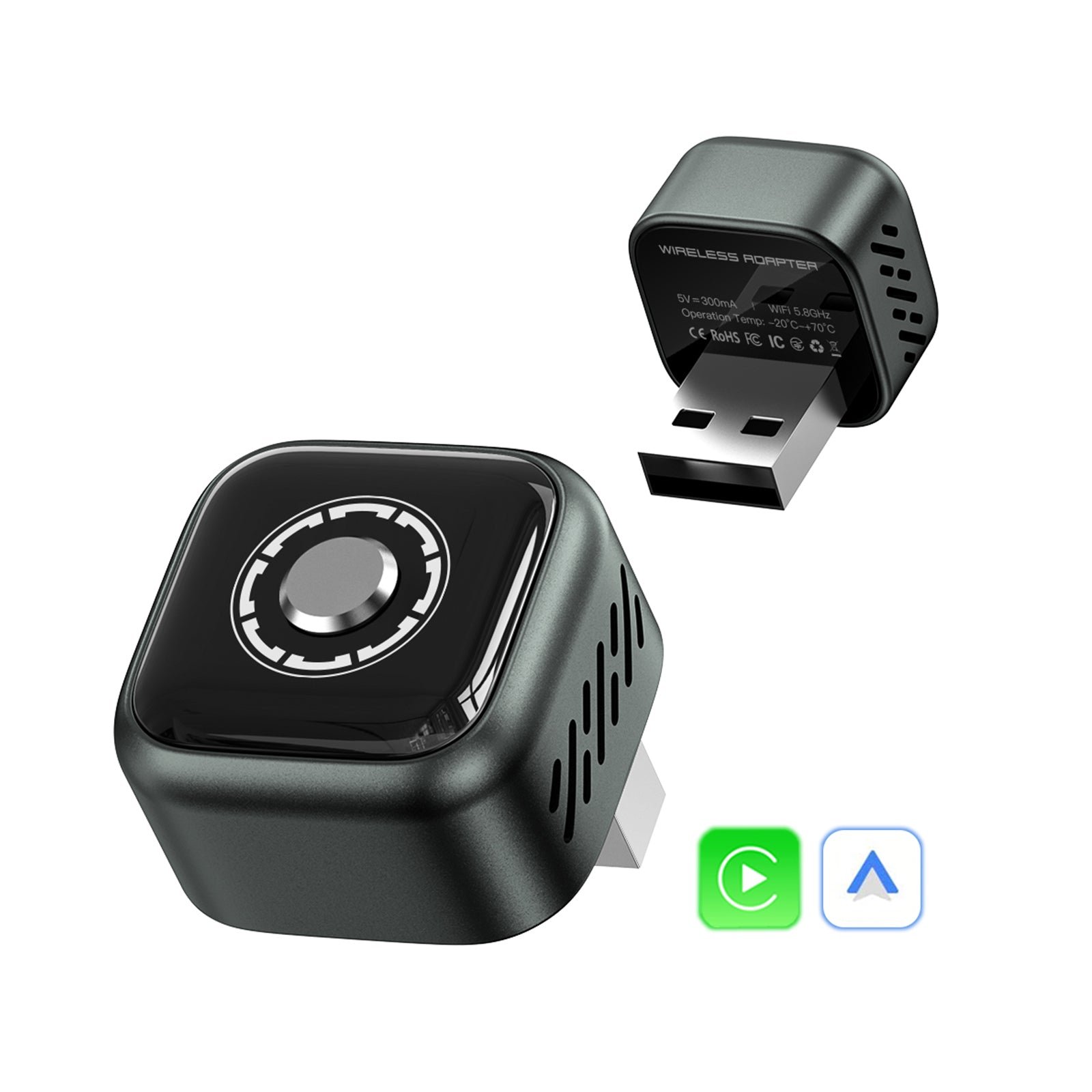
Path 1 — Make wired CarPlay wirelessBinize Wireless CarPlay Adapter Pro

The cheapest path, if your car qualifies. For $29.99 the adapter converts factory wired CarPlay/Android Auto to wireless — plug it into a data-capable USB port, pair once, done. The catch is the requirement: your car must already support factory wired CarPlay or Android Auto.

Binize B1 Pro Android 13 CarPlay AI Box
Path 2 — Add full Android + wireless CarPlayBinize B1 Pro Android 13 CarPlay AI Box

If your car has an OEM screen with wired CarPlay but you want more than mirroring, the B1 Pro ($259.99) adds Android 13 on the factory screen — wireless CarPlay, wireless Android Auto and installable Android apps — without replacing anything. It needs a car that already has factory wired CarPlay/Android Auto.

The verdict

Start by checking what your car already does. If it has factory wired CarPlay, buy the adapter and stop there — anything more is wasted money. If it has a factory screen you like but no CarPlay, an AI box is the least invasive upgrade. Only replace the whole head unit when the factory stereo genuinely can’t do what you want; it costs more and takes real installation, but it is the most complete result.

FAQs

How do I know if my car already has wired CarPlay?

Plug your phone into the car’s USB port with a cable. If Apple CarPlay or Android Auto launches on the screen, you have wired support — and a wireless adapter is all you need. If nothing happens, you need an AI box or a replacement stereo.

Which is cheapest?

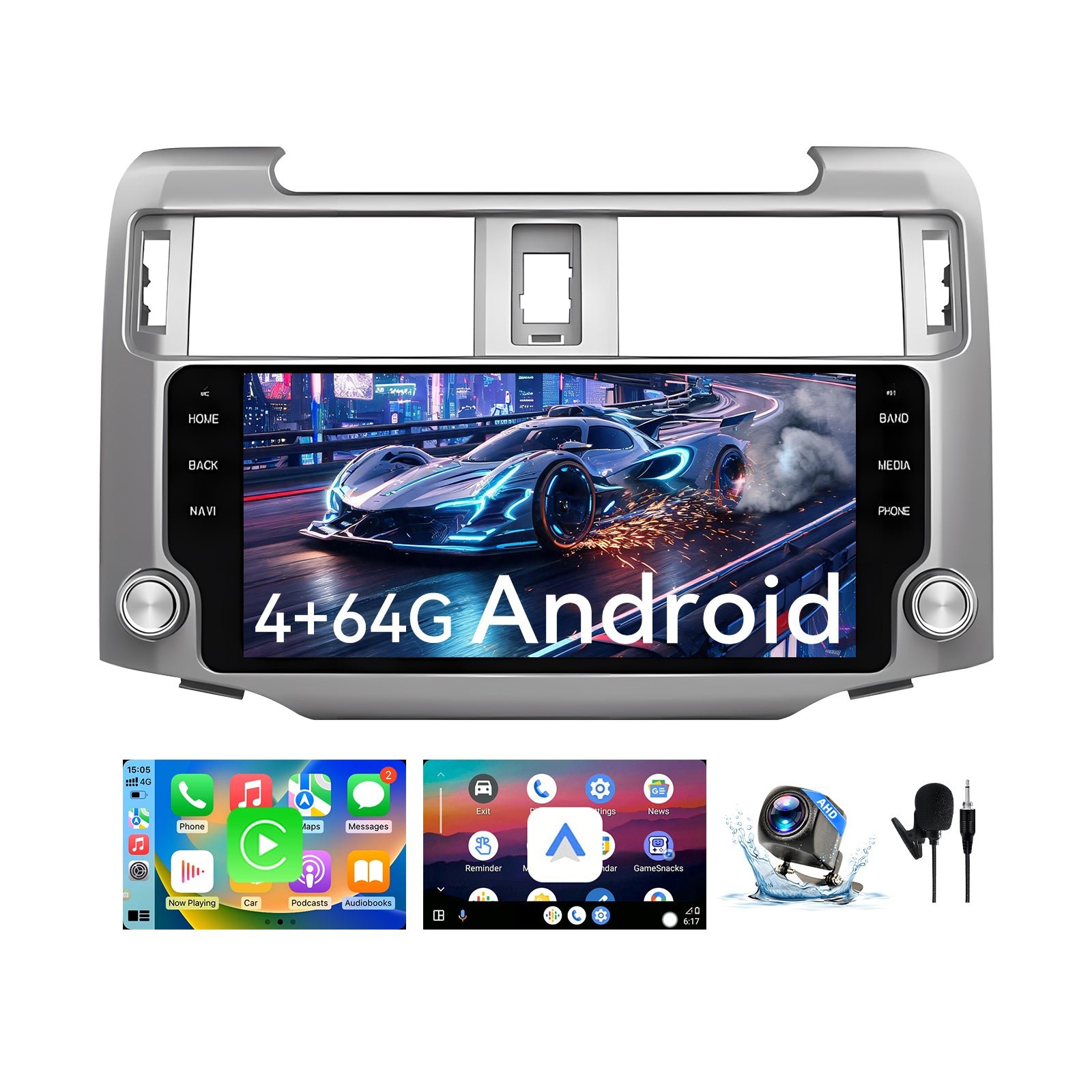
The adapter, at about $30, is by far the cheapest — but only works if your car already has wired CarPlay. An AI box is around $259, and a vehicle-specific replacement stereo typically runs from the high-$100s upward.

Do I need a professional to install these?

The adapter and AI box are plug-in devices that need no installation. A replacement head unit does require fitting — many owners do it themselves with the included guidance, but a shop can handle it if you prefer.

Will I lose my steering-wheel controls with a new stereo?

No — Binize’s vehicle-specific stereos are designed to retain steering-wheel controls, and they include a backup camera.