Binize
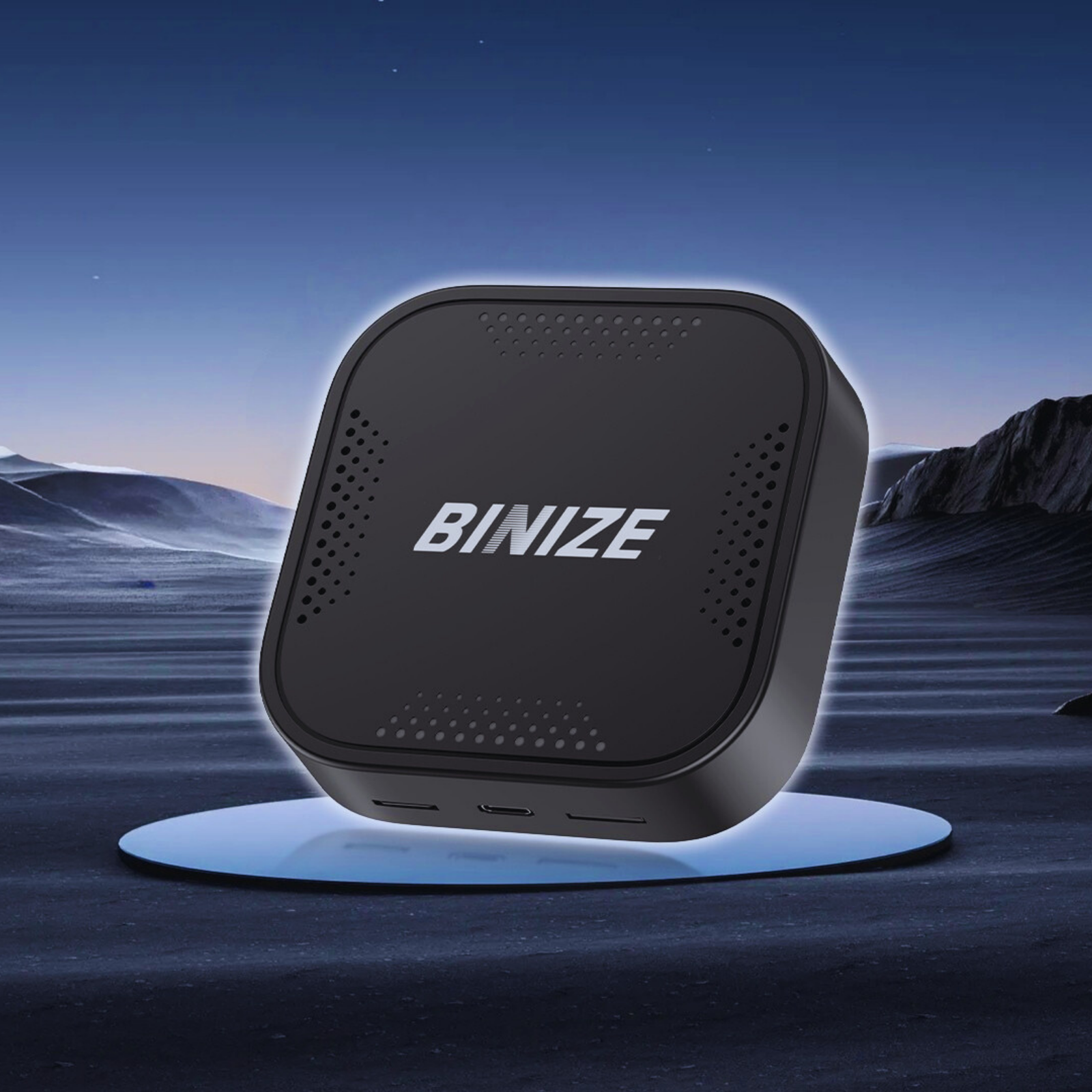
Binize B1 Pro Android 13 CarPlay AI Box
Last updated September 11, 2026
We may earn an affiliate commission from links on this page — this never affects our picks. Read our full affiliate disclosure.
An Android 13 box that plugs into a car’s factory wired CarPlay and adds wireless CarPlay, wireless Android Auto and full Android apps.
Best for
Owners of a car with factory wired CarPlay/Android Auto who want a full wireless Android system without replacing the head unit.
Overview
The Binize B1 Pro is aimed at cars that already have factory wired Apple CarPlay or Android Auto but nothing more. It connects to that wired port and layers Android 13 on top, so you get wireless CarPlay, wireless Android Auto and a full Android system that can run streaming and navigation apps directly on the car’s own screen. It is offered in a 4 GB / 64 GB configuration and a faster 8 GB / 128 GB version, and in CarPlay-input or Android-Auto-input variants to match how your car is wired. Because it uses the factory screen, there is no dashboard surgery involved.
The good
- Adds wireless CarPlay, wireless Android Auto and full Android apps
- Uses the factory screen — no head-unit replacement
- Choice of 4 GB/64 GB or 8 GB/128 GB performance tiers
- Runs streaming apps (e.g. video, music) natively on Android 13
The trade-offs
- Requires a car that already has factory wired CarPlay or Android Auto
- Pricier than a simple wireless adapter
- Full-Android features depend on the car’s screen resolution and controls
Specifications
- Operating system
- Android 13
- Memory options
- 4 GB RAM + 64 GB ROM or 8 GB RAM + 128 GB ROM
- Adds
- Wireless CarPlay + wireless Android Auto + Android apps
- Input variant
- For OEM wired CarPlay or wired Android Auto
- Display
- Uses the car’s factory screen
FAQs
What does the B1 Pro need to work?
A car that already has factory wired Apple CarPlay or Android Auto. The box plugs into that and adds Android 13 on top of the factory screen.
What is the difference between the 4 GB and 8 GB versions?
The 8 GB / 128 GB version has more memory and storage for smoother multitasking and more installed apps; the 4 GB / 64 GB version is the more affordable tier.
Can it run streaming apps on the car screen?
Yes. Because it runs a full Android 13 system, you can install and run Android apps directly, in addition to wireless CarPlay and Android Auto.
Featured in
Featured in these gift guides
You might also like
MEWANT Segmented Universal Steering Wheel Cover for Most VW BMW Audi Mercedes Benz Subaru Hyundai Kia
MEWANT Universal Steering Wheel Cover for All Most Vehicle Models
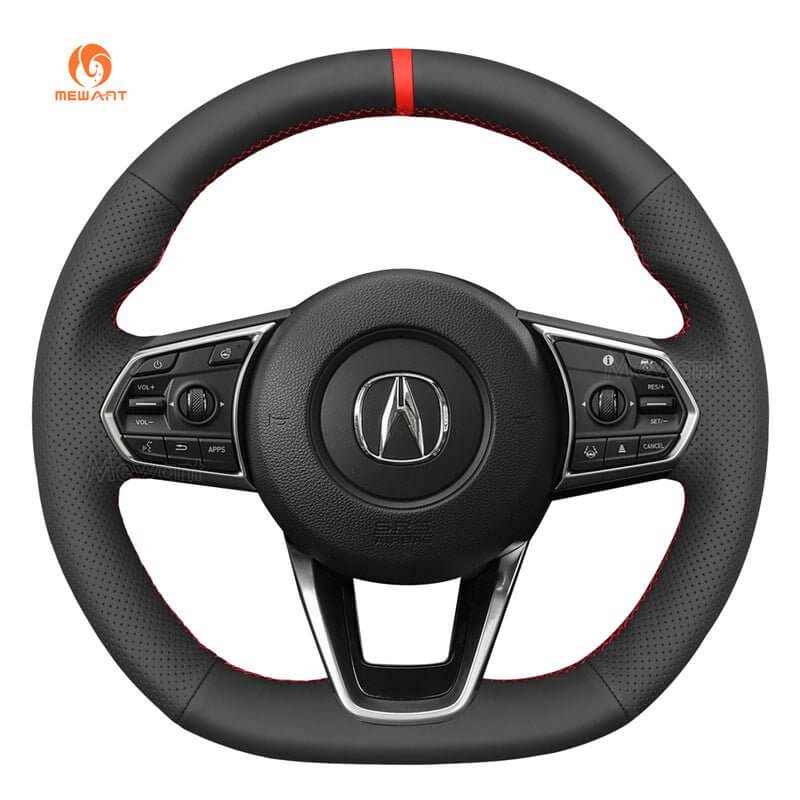
MEWANT Steering Wheel Cover for Acura MDX TLX 2022-2023